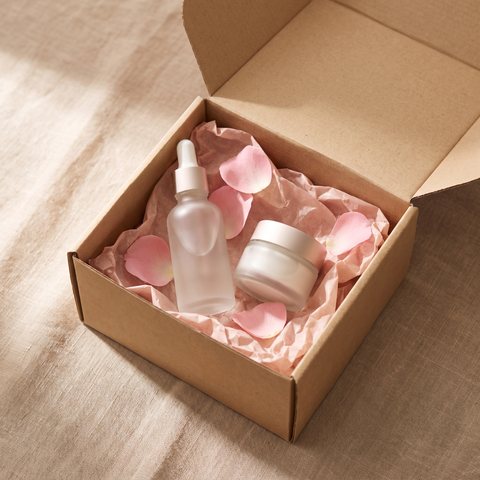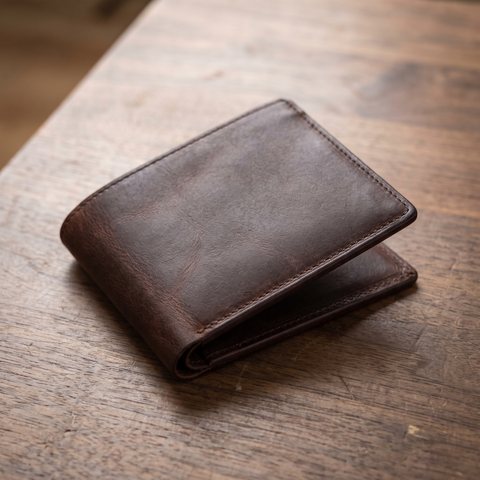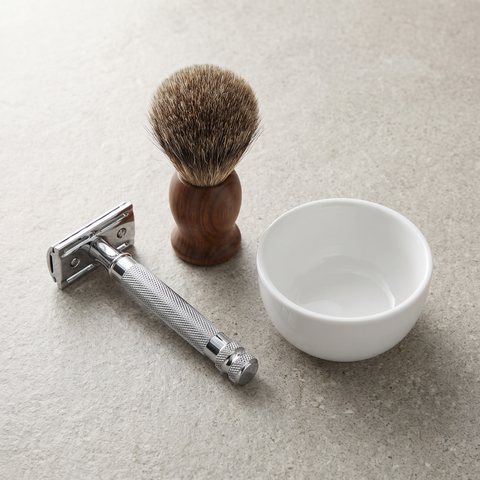

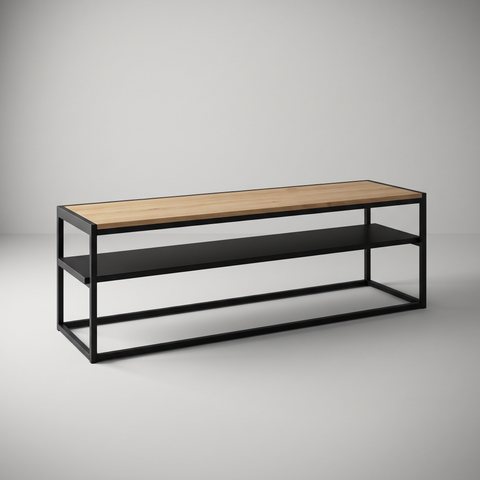
 Pair with your TVTV stand
01 · Product page
A “Pair with” row
Below the product, the theme displays 2 to 10 related products by category, brand or tag, with a heading you write.
Your store
Growth
Operations
Which describes you?
Enterprise
A custom contract, multistore, three APIs and a team by your side. You talk to an expert, not a form.
Partners
Agencies and specialists earn with CloudCart as experts, affiliates or resellers.
Explore
Which describes you?
Cross-sell and BumpCart
Your store automatically suggests something extra at three moments: while the customer browses a product, when they add it to the cart and when they are close to free shipping. The customer adds it with one click, and the order grows.
No code · On the product page, in the cart and after the order · Sales from each offer in the admin
Cross-sell
Choose when it appears: on the product page, at add-to-cart, in the cart, in Checkout, when the customer selects shipping or payment, or on the “Thank you” page. And what it offers: products, a category, a brand or a collection.
01 · Product page
Below the product, the theme displays 2 to 10 related products by category, brand or tag, with a heading you write.
02 · Add to cart
The customer adds the cream and immediately sees the complementary product, with a discount and a timer in the pop-up.
03 · Cart
When the customer opens the cart, the offer suggests the products you selected - specific products or products from an entire category.
04 · Checkout
Above a set amount, the product is added to the order as a gift. No pop-up and no click from the customer.
05 · Shipping selection
The customer selects a courier in Checkout and sees an offer specific to that courier.
06 · Payment selection
The customer selects card payment and sees an offer only for paying by card. This steers them toward your preferred payment method.
07 · “Thank you”
The order is accepted, and the “Thank you” page displays an offer just for that moment, such as a gift for someone else.
The popup shows one product or up to ten at once. You decide how many for each offer.
BumpCart
The bar in the cart and throughout Checkout shows how much more the customer needs to reach the goal and suggests products to get there. The customer adds a product in one click and the bar fills up.
Price limit: the difference + 20% · Sort order: highest price first
Products already in the cart aren't suggested. The bar recalculates whenever the cart changes.
UpSell
The customer adds the cream. The popup offers the cream and serum set and shows only how much more it costs. One “Yes” replaces the product in the cart.
Your customer sees how much more the better version costs, not two prices side by side.
The popup stays hidden if the better version is out of stock or already in the cart.
If you prefer, the offer appears only when your customer's product is out of stock.
You see the offer in your store before a customer does.
The results
For each Cross-sell and UpSell offer, you see how many times it was shown, added to the cart, declined, and ordered. Turn off weak performers and keep the ones that sell.
Set how many times a customer sees the Cross-sell offer: once, three times, or without a limit.
A customer who closes the Cross-sell offer won't see it again.
The offer runs between set dates or without an end date, and the Cross-sell popup can display a timer.
Before your first offer
01 / 05
Cross-sell suggests a complementary product, like a serum to go with a cream. UpSell suggests a better version of the selected product and replaces it: 55 inches instead of 43. BumpCart shows how much is left to reach a goal, such as free shipping, and suggests products that help the customer reach it.
02 / 05
Yes. A Cross-sell offer can include a percentage or fixed-amount discount, free shipping or the product as a gift. The gift can be added to the cart automatically, without a pop-up.
03 / 05
Each Cross-sell offer has a limit on impressions per customer, and a dismissed offer does not appear again. Out-of-stock products and products already in the cart are not offered. BumpCart is a bar in the cart, not a pop-up.
04 / 05
For each Cross-sell and UpSell offer, the admin shows impressions, add-to-carts, declines, orders and sales it generates. Turn off an underperforming offer with a single toggle.
05 / 05
The number of Cross-sell and UpSell offers depends on your plan. A consultant can tell you how many each plan includes. BumpCart uses one goal for the entire store.
A CloudCart consultant walks through your catalog with you and shows you which offers to launch first.