




01 / 05
Is what I've already done saved?
Yes. Log in and pick up where you left off.
Your store is already started
Everything you built is saved. Products, payment, shipping and a plan, and the store sells.
Already have a store? Log in and pick up where you left off →
Example. Everything you've done so far is saved. You pick up where you left off.
CloudCart's zeros apply through Dec 31, 2026. And as always: 0% transaction fee on sales.
Products, payment and shipping. The store is created, you just need to fill it.
The links lead to the admin sign-in, and each app is in Apps under its own name.
A trial store isn't indexed by search engines and isn't visible to AI assistants. Visibility starts when the store goes live on a plan.
While the store is a trial, Google and AI assistants can't see it. Visibility starts the day it goes live on a plan.
Couriers, banks, marketplaces and inventory software. You switch them on from the admin, no developer needed.
Shipping labels, cash on delivery, offices and lockers from the admin.
 Econt
 Speedy
 BOX NOW
 Sameday
 Evropat
 Pigeon Express
 Poshta MikMik
 NTC Logistics
 ELS Logistic
 GLS
The ways your customers pay.
 CloudCart Pay
 Borica
 ePay
 myPOS
 Fibank
 DSK Bank
 Paysera
 PayPal
 Stripe
 Cash on delivery
 Bank transfer
The customer buys in installments and you get the full amount.
 tbi bank
 DSK installments
 DSK 0%
 Fibank installments
 PB Personal Finance
 Iute
 Mokka
One catalog, sales everywhere your customers shop.
 eMAG
 OLX
 Pazaruvaj
 Sravni.bg
 Trendo
 Glami
 Skroutz
 TikTok Shop
 Glovo
Inventory, prices and orders move between your store and your software.
 Microinvest
 Micro.bg
 Gensoft
 SelMatic
 Barsy
 R-Keeper
 Zeron
 Universum
 Versus
 Colibri
 POSMaster
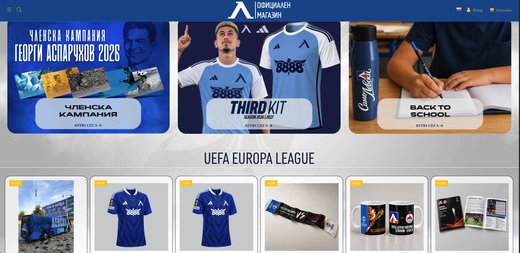
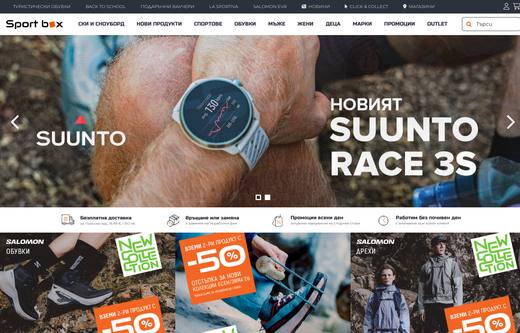
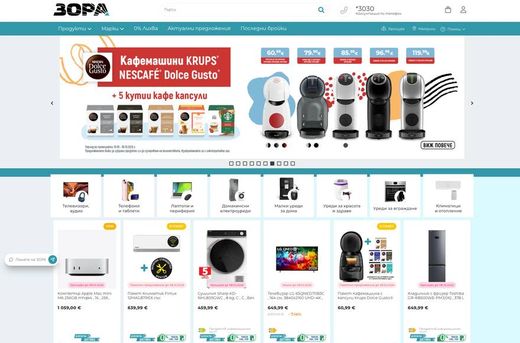
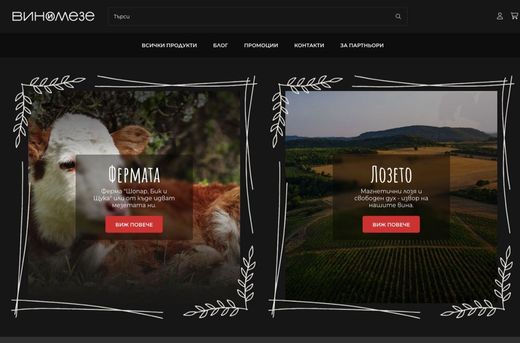
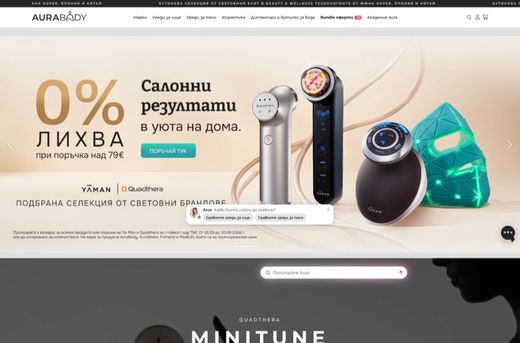
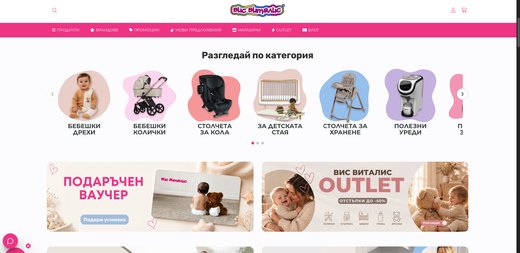
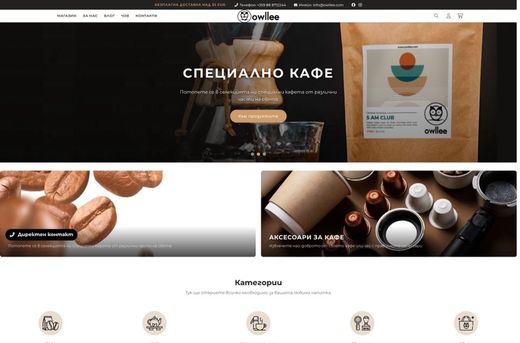
A retail chain, a sports brand, a football club, a pastry shop. See what they say and what their stores look like.
Hear from the owners themselves. Click a story to watch it.
Real stores. Open them and browse as a customer.
Some of the brands selling with CloudCart.




































Stores on CloudCart sold €550 million over the last 12 months. The team is based in Sofia, knows the market and stays with you after launch.
Claude Code, ChatGPT Codex, Cursor, VS Code or Gemini CLI build your store step by step: products, categories, descriptions and settings. Write in English.
Fetch and follow the instructions at https://raw.githubusercontent.com/cloudcart/ai-toolkit/main/prompt.md to set up my AI agent for CloudCartThe assistant will talk to you in your language.
Your store is €1/month for the first 3 months. CloudCart gives you more tools to help you sell alongside it.
Questions
01 / 05
Yes. Log in and pick up where you left off.
02 / 05
Trial stores are not indexed. The store becomes visible once it goes live on a plan.
03 / 05
€1 a month for the first 3 months, on every plan from Baby to Unicorn. The discount applies automatically, no code needed. There is no commission on sales.
04 / 05
Upload them all at once from Excel or CSV with the CSV import app. Coming from another platform? Our team moves the store for you.
05 / 05
A Bulgarian team in Sofia, by phone and email.
Finish it today: €1 a month for the first 3 months and the store is visible.