

01 / 08
How can I improve search in my online store?
With Aura Search: it searches by meaning, understands Latin letters and typos, shows products as the customer types and never returns an empty page.
Aura Search · storefront search
Aura Search replaces your store's search. It searches by meaning and by words, understands Latin letters and typos, and shows products, categories and brands as the customer types.
Already on CloudCart? Aura Search is switched on from your store's admin: Apps → Aura Search.
/admin/apps/advanced_searchOpen Aura Search in the admin →
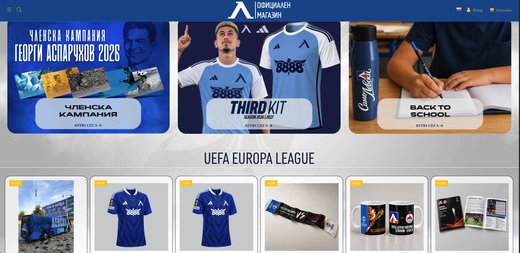
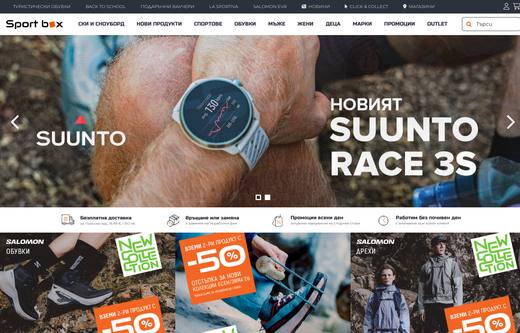
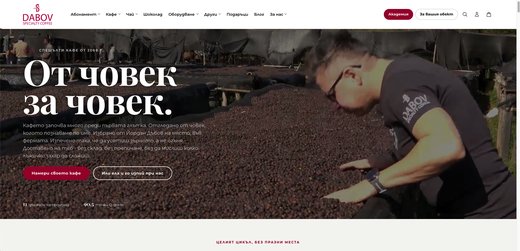
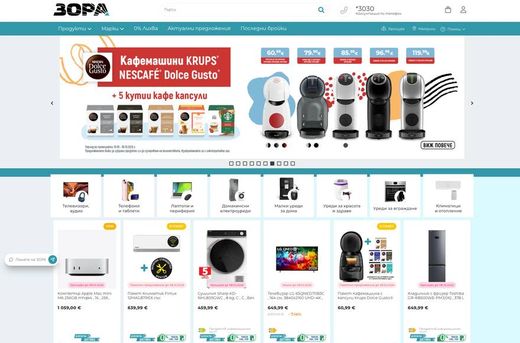
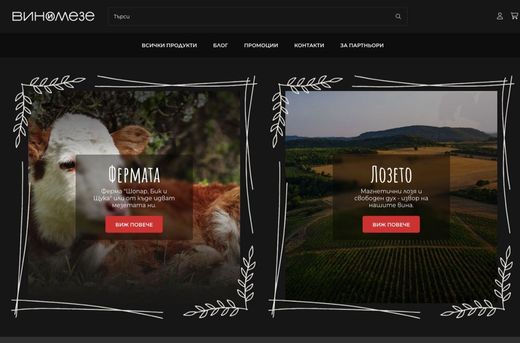
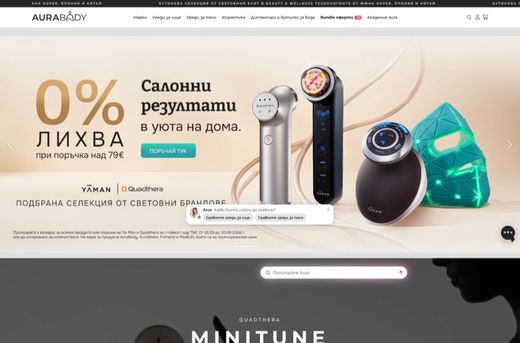
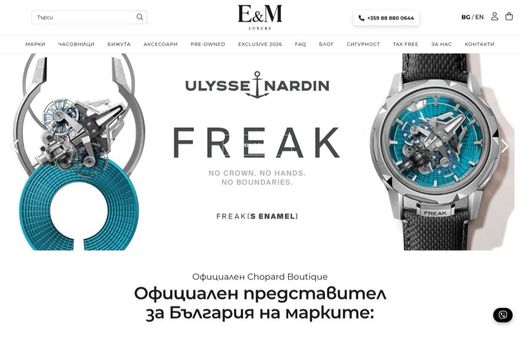
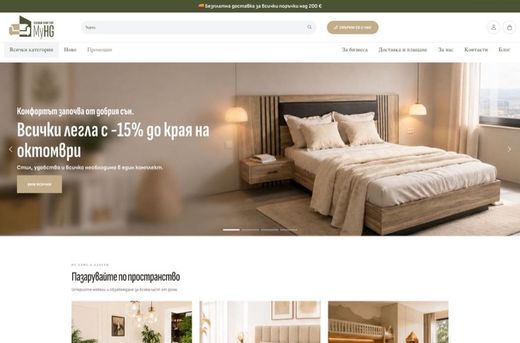
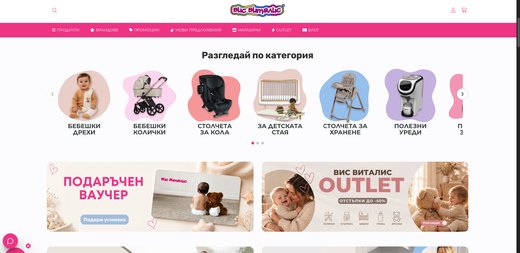
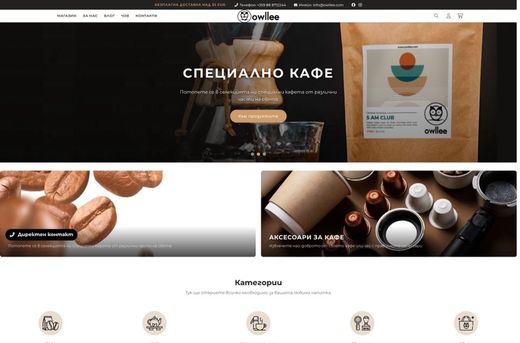
Real products from zora.bg, dabov.coffee and visvitalis.bg, Bulgarian stores on CloudCart (names translated). In your store, Aura Search searches your own catalog.
Every search is a customer telling you in their own words what they want to buy. Aura Search collects them and shows you which ones sell, which find nothing and which are searched for but not bought.
Sample data. You sort, filter by device, export and keep the view with a link.
A search that sells more, and a report that shows you what your customers want.
Customers type however it comes. Regular search looks for exact words, Aura Search looks for what they meant.
refridgeratorNo resultsThe refrigerators in the catalogunderstands a typotelevisonNo resultsTV 55" 4K QLED, TV 43" Smartunderstands up to two typossomething quiet for the bedroomNo resultsBedroom humidifier, bladeless fansearches by meaningbillfoldNo resultsGenuine leather walletthrough a synonym from the adminFour situations in which regular search returns “no results” and Aura Search finds the product.
For a word of eight letters or more, Aura Search understands up to two errors, while codes and barcodes are matched exactly.
found despite the typo
Products
Categories
Example. Results appear as the customer types.
No product has that name. Aura Search searches by meaning and by words at the same time and combines the results.
found by meaning
Products
Categories
Example. Search by meaning and by words at the same time.
In the admin you see the searches with no results and add a synonym from the same row.
Example. A synonym from the row of a search with no results.
No waiting. And the product you want first, you pin to the top for a keyword, category or brand.
found through a synonym
Products
Categories
Example. The pinned product is at the top.
You order the results by your business goals: stock, sales, promotions, season. Aura Search shows where you lose sales and how to win them back.
Aura Search finds the searches that find nothing even though you sell the product, and those that are searched often but not ordered. Each one has a button next to it.
For your business: you don't go through thousands of searches.
Example. Aura Search finds such searches by itself and suggests what to do.
Synonyms link your customers' words to the words in your catalog. You pin up to 10 products per list, for a search, category or vendor, in the order you choose.
Example: before the holidays you pin the products you want to sell to the top.
Synonyms
Pinned products · up to 10 per list
Stop words
Example. You pin products for a search, category or vendor, in the order you choose.
You set how much each signal weighs: where the words are searched and what lifts a product. “With recommendations” mode: Aura suggests, you approve. Or full manual control.
Where the words are searched
What lifts a product
Example. Aura learns from clicks, add-to-cart actions and orders.
You no longer guess whether search sells or drives customers away.
Sample figures from /aura. In the admin you see the real ones and a comparison with the previous period.
Three plans a month. There is no installation fee, and AI search is switched on with one of them.
Already on CloudCart? Aura Search is switched on from your store's admin: Apps → Aura Search.
/admin/apps/advanced_searchOpen Aura Search in the admin →
Your store is €1/month for the first 3 months. CloudCart gives you more tools to help you sell alongside it.
We migrate it for €0 with a 24-month contract: your products, customers and Google rankings, within 45 days, without interrupting sales.
Claude Code, ChatGPT Codex, Cursor, VS Code or Gemini CLI build your store step by step: products, categories, descriptions and settings. Write in English.
Fetch and follow the instructions at https://raw.githubusercontent.com/cloudcart/ai-toolkit/main/prompt.md to set up my AI agent for CloudCartThe assistant will talk to you in your language.
A retail chain, a sports brand, a football club, a pastry shop. See what they say and what their stores look like.
Hear from the owners themselves. Click a story to watch it.
Real stores. Open them and browse as a customer.
Some of the brands selling with CloudCart.




































Stores on CloudCart sold €550 million over the last 12 months. The team is based in Sofia, knows the market and stays with you after launch.
Questions
01 / 08
With Aura Search: it searches by meaning, understands Latin letters and typos, shows products as the customer types and never returns an empty page.
02 / 08
Starter is €9 a month for 5,000 searches, Growth is €19 for 15,000, and Pro is €39 for 40,000. An extra pack of 10,000 searches is €11.
03 / 08
The store plan is €1 a month for the first 3 months. Aura Search is paid separately, monthly, by the number of searches. There is no installation fee.
04 / 08
Nothing is switched off and nothing is lost: search keeps working by keywords, without AI. If you need more, you add a pack of 10,000 searches for €11.
05 / 08
Yes. “hladilnik” finds refrigerators and “peralnya” finds washing machines, just as if they were typed in Cyrillic. A typo such as “refridgerator” works too.
06 / 08
The search widens and shows the closest products instead of an empty page.
07 / 08
Yes. You pin up to 10 products to the top for a keyword, category or brand, and give more weight to products that sell, are in stock, are discounted or are recommended by you.
08 / 08
Popular searches, searches with no results, no clicks and low conversion, and for each of them the orders that followed.
Create your store for €1 a month for the first 3 months and switch on Aura Search from Apps.