


























CloudCart Create a store for €1Store for €1

VS Code + CloudCart
Your store in one sentence

Connect VS Code and write in English what you want. It does it in your store.

€1 per month for the first 3 months

Connect VS Code to your store

Fetch and follow the instructions at https://raw.githubusercontent.com/cloudcart/ai-toolkit/main/prompt.md to set up my AI agent for CloudCart

Paste it into VS Code. The assistant will talk to you in English.✓ Copied. Paste it into VS Code and press Enter.

VS Code · your store in CloudCart
>
  • ●I found 3 “House Blend” coffees.
  • ●New prices: −20%. Showing them below.
  • ●Saving the prices in the store…
  • ✓Done: 3 prices updated.
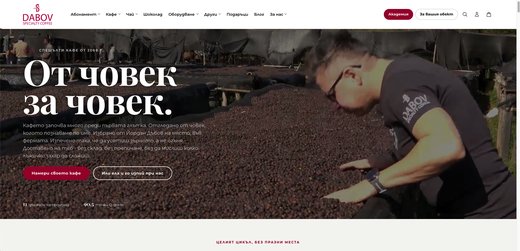
dabov.coffee · House Blend✓ updated
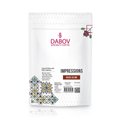
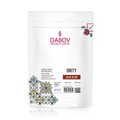
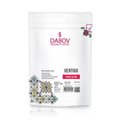
House Blend Impressions · 200.8 g€10.80€10.80 House Blend Unity · 200.8 g€11.00€11.00 House Blend Vertigo · 200.8 g€12.20€12.20

Example with real products from dabov.coffee, a store on CloudCart.

Dozens of clicks or one sentence

So far, in the adminWith the AI assistant

A discount on a whole category

Cut everything in “Winter” by 15% until Sunday.✓ Done in the store

A new price list from the supplier

Here is the new price list. Update the prices by product code and show me which ones are missing.✓ Done in the store

What to reorder

Which products are under 5 units? Make me a table for the order.✓ Done in the store

Connect in a minute

The sentence for VS Code
Fetch and follow the instructions at https://raw.githubusercontent.com/cloudcart/ai-toolkit/main/prompt.md to set up my AI agent for CloudCart

The assistant will talk to you in your language.

  1. Open VS Code

    Open the VS Code chat.

  2. Paste the sentence

    The assistant sets everything up by itself.

  3. Give it an access key

    Admin → “PAT Tokens” → new token. Done, start typing.

Official instructions: github.com/cloudcart/ai-toolkit

Prefer to install it yourself?

VS Code

Command Palette (Cmd/Ctrl+Shift+P) → “Chat: Install Plugin From Source” → paste the address.

Finally, give VS Code an access key from “PAT tokens” and your store address.

VS Code
https://github.com/cloudcart/ai-toolkit

Merchants who have already made the move

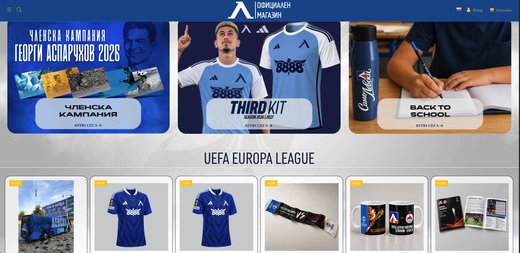
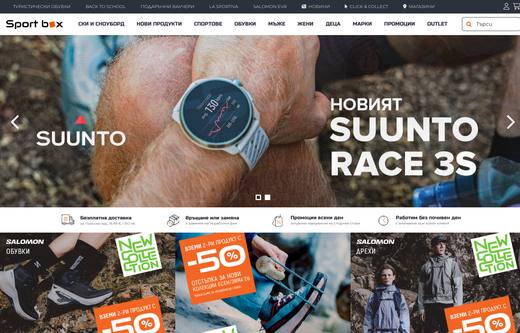
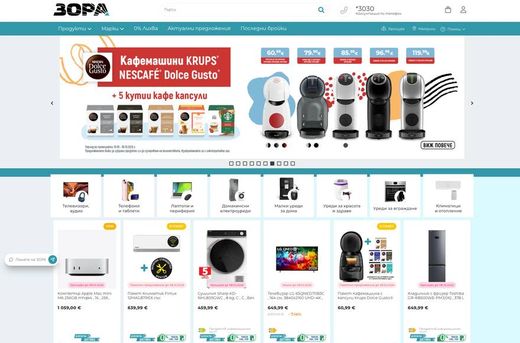
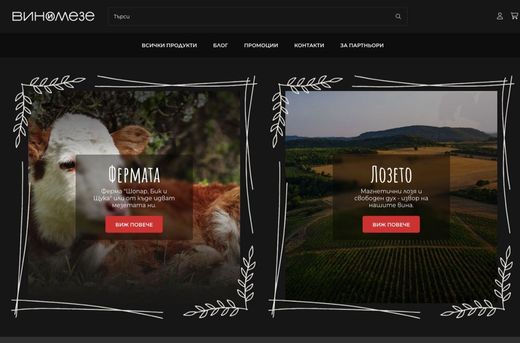
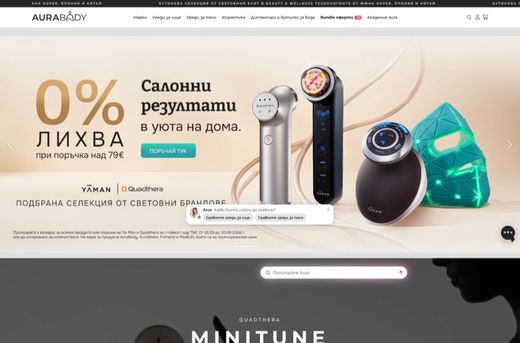
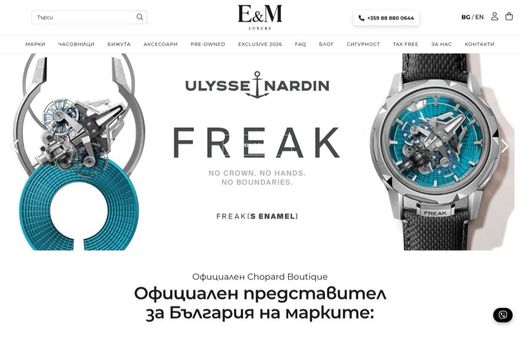
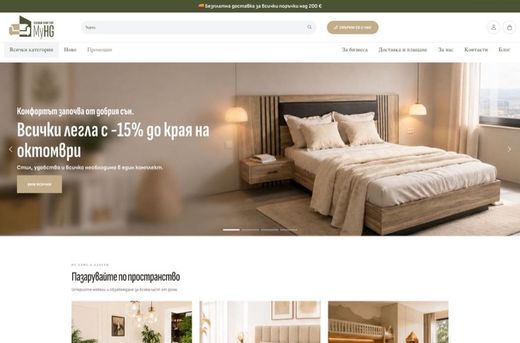
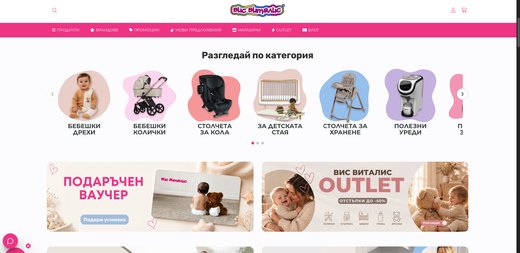
A retail chain, a sports brand, a football club, a pastry shop. See what they say and what their stores look like.

4,4
★★★★★on Google from 158 reviews

Hear from the owners themselves. Click a story to watch it.

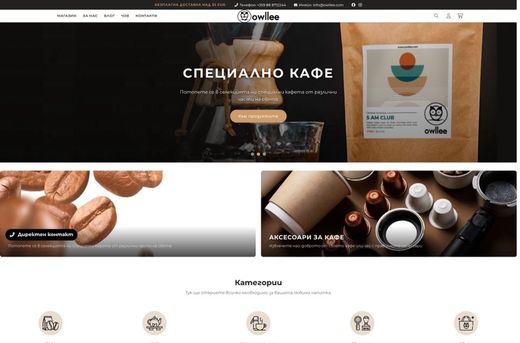
Real stores. Open them and browse as a customer.

Some of the brands selling with CloudCart.

Questions

Questions

01 / 07

How do I connect VS Code to CloudCart?

Paste the sentence from this page into the VS Code chat. VS Code installs the CloudCart plugin with its skills and MCP servers. The platform reference is downloaded on first use. Finally, you create an access key in the admin (menu at the bottom left → “PAT tokens”) and give it to VS Code together with your store address.

02 / 07

What can VS Code do in my store?

Everything you do in the admin: products, prices, discounts, stock, orders and reports, with plain sentences in English. VS Code also explains how CloudCart works, from the platform reference.

03 / 07

Can I create a new store with VS Code?

Yes. You register the store, connect VS Code and say what you sell. It creates the products, organizes the categories, writes the descriptions and walks you through the settings.

04 / 07

Is it safe to give VS Code access?

VS Code has only the access you have given it: read-only, full access or selected permissions, with an expiry date and an IP address restriction. You can revoke the key at any time from “PAT tokens”.

05 / 07

Do I need to be a developer?

No. You copy one sentence and answer the assistant’s questions.

06 / 07

How much does it cost?

CloudCart charges nothing for the connection. You pay for the VS Code subscription to GitHub (Copilot). The CloudCart plan is €1 per month for the first 3 months.

07 / 07

Does VS Code work in English?

Yes. At the start VS Code asks which language you want to use. Write in English, the way you speak.

Another assistant? See them all →

A store for €1. The assistant does the rest.

€1 per month for the first 3 months.